Preview
Quickly check visual output without full render. preview uses effectcraft-cli render-frame for one PNG per row.
Basic usage
bash
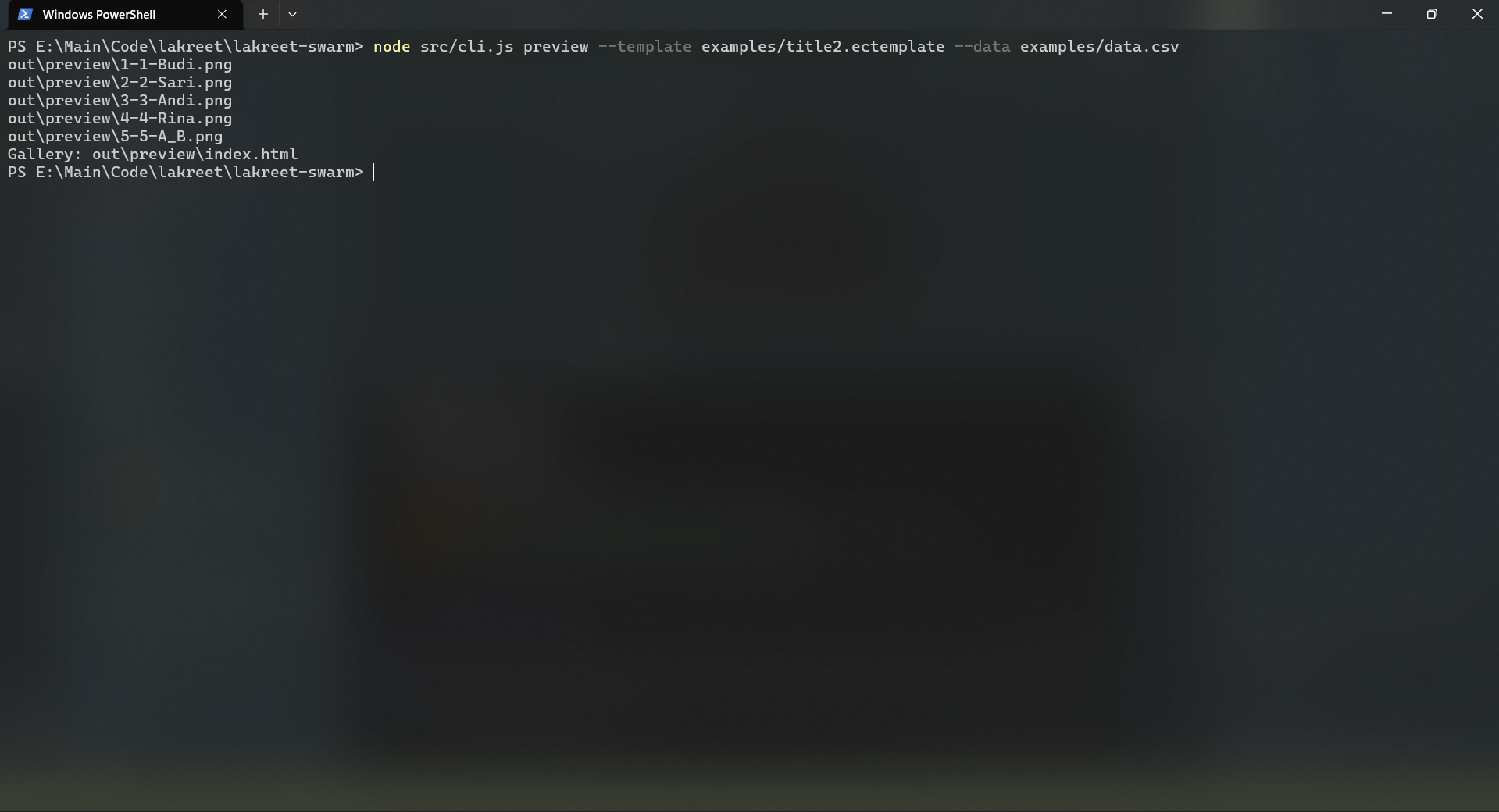
lakreet-swarm preview --template template.ectemplate --data data.csvOutput:
out/preview/1-Budi.png
out/preview/2-Sari.png
out/preview/3-Andi.png
Gallery: out/preview/index.html
Open index.html in browser for a gallery with captions.
Options
| Flag | Description | Default |
|---|---|---|
--time | Frame time in seconds | 0 (first frame) |
--row | Single row (1-based) | All rows |
--all | All rows (explicit) | All rows |
Examples
Specific time (e.g., 2.5s into video):
bash
lakreet-swarm preview --template t.ectemplate --data d.csv --time 2.5Single row (row 3):
bash
lakreet-swarm preview --template t.ectemplate --data d.csv --row 3Custom output folder:
bash
lakreet-swarm preview --template t.ectemplate --data d.csv --out ./my-previewGallery
When multiple rows, an index.html is generated:
- Responsive grid (auto columns)
- Lazy-loaded images
- Caption: row number + base name
- Dark theme for video thumbnails
How it works
- Validates data (same as
check) - For each row: writes
.values.jsonto.lakreet/values/ - Calls
effectcraft-cli render-frame --template ... --values ... --time ... --out frame.png - Generates
index.htmlgallery
Performance
- Much faster than full render (single frame vs entire video)
- Typical: 1–3 seconds per row
- No video encoding overhead
Use cases
- Verify text positioning, font size, colors
- Check media replacement (when available)
- Quick visual QA before batch render
- Share gallery with stakeholders
Next steps
- Your first batch — includes preview step
- Choose output — formats, quality, naming
- Preview reference — all options