Troubleshoot
Quick diagnosis table for common issues.
Symptom → Cause → Fix
| Symptom | Likely cause | Fix |
|---|---|---|
'lakreet-swarm' is not recognized | Not in PATH | Use npx lakreet-swarm or add npm global bin to PATH |
effectcraft-cli was not found | EffectCraft not installed or not in PATH | Install EffectCraft; or set EFFECTCRAFT_CLI / --cli |
The filename, directory name, or volume label syntax is incorrect (Windows) | Unquoted paths with spaces | Quote paths: --template "My Template.ectemplate" |
Column "Foo" is not a control | CSV header ≠ control name | Fix header, or add columns mapping in config |
Column "Opacity": "abc" is not a number | Slider expects number | Fix CSV: use numeric values only |
Column "Visible": "yes" is not a boolean | Checkbox expects boolean | Use true/false/yes/no/1/0/ya/tidak |
file not found: /path/to/logo.png | Media path wrong | Fix path in CSV, or set --media-dir / config mediaDir |
Template has no controls to export | No Essential Graphics properties | Add properties to Essential Graphics in EffectCraft |
Manifest version X is not version 1 | EffectCraft version mismatch | Update lakreet-swarm or EffectCraft; check doctor |
Render failed: EffectCraft process exited with code 1 | EffectCraft internal error | Check template for expressions/effects that fail; try preview first |
Permission denied on output | Folder not writable | Use --out to writable folder; check permissions |
ENOSPC / No space left on device | Disk full | Free space or use --out on larger volume |
PowerShell vs cmd quoting
| Shell | Correct |
|---|---|
| PowerShell | lakreet-swarm render --template "t.ectemplate" --data "d.csv" |
| cmd.exe | lakreet-swarm render --template t.ectemplate --data d.csv (no quotes needed unless spaces) |
| bash/zsh | lakreet-swarm render --template "t.ectemplate" --data "d.csv" |
In PowerShell, always quote paths with spaces.
Exit codes reference
| Code | Meaning | Action |
|---|---|---|
| 0 | Success | — |
| 1 | Render failed | Check report.json for failed rows |
| 2 | Usage error | Run --help, check flags |
| 3 | Invalid data | Run check, fix CSV/JSON |
| 4 | CLI not found | Install EffectCraft or set --cli |
| 5 | Template unreadable | Run inspect, verify template |
| 130 | Interrupted (Ctrl+C) | Resume with --skip-existing |
Getting help
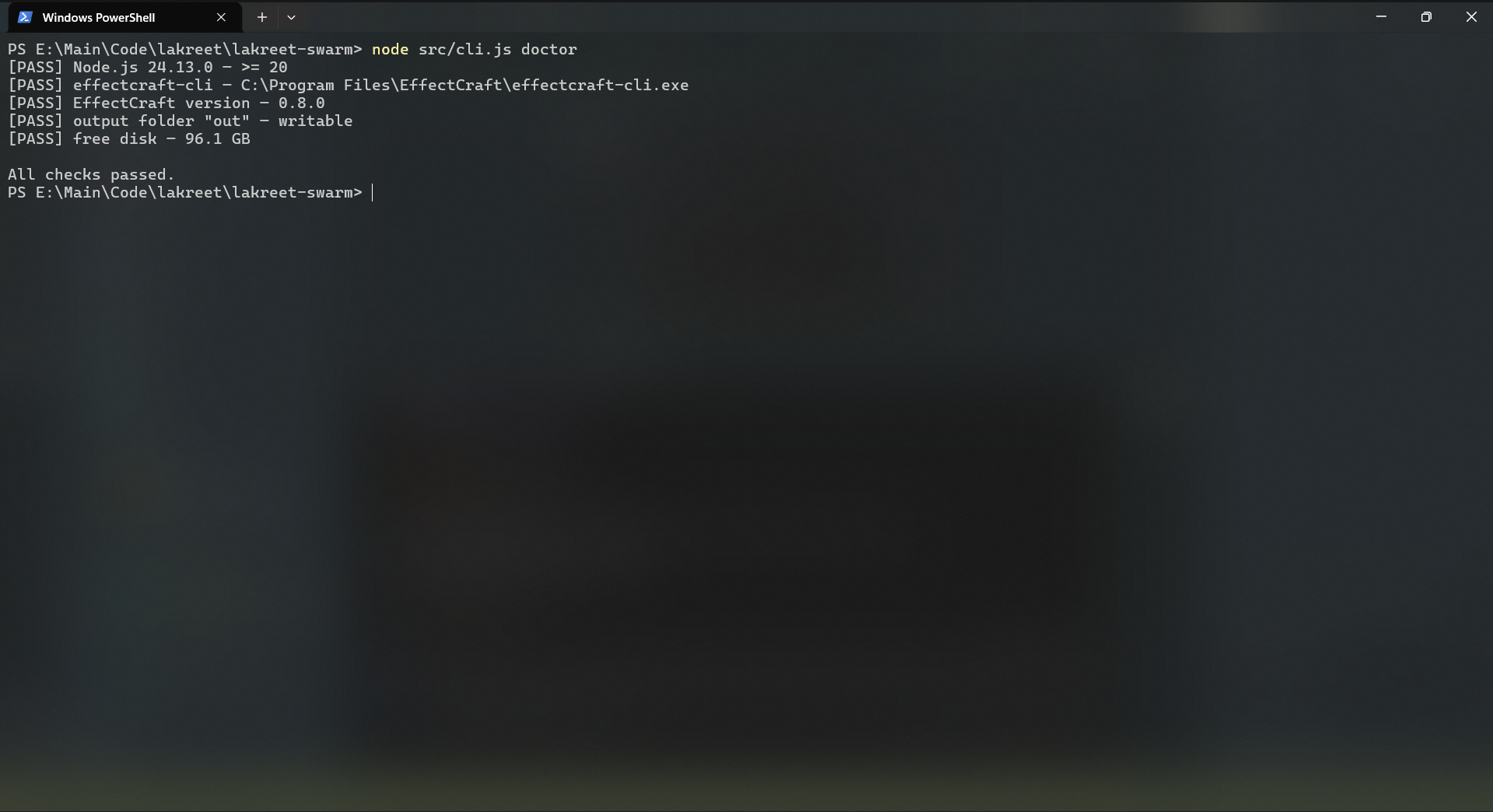
1. Run doctor
bash
lakreet-swarm doctorOutput includes Node, EffectCraft version, compat check, disk, writability.
2. Include in GitHub issues
When filing an issue, always paste doctor output:
markdown
## Environmentlakreet-swarm doctor [PASS] Node.js v20.18.0 — >= 20 [PASS] effectcraft-cli — C:\Program Files\EffectCraft\effectcraft-cli.exe [PASS] EffectCraft version — 0.8.0 [PASS] output folder "out" — writable [PASS] free disk — 45.2 GB
All checks passed.
## 3. Run with --json for machine-readable errors

```bash
lakreet-swarm render --template t.ectemplate --data d.csv --json 2>&1 | tee render.log
Attach render.log to issue.
4. Enable verbose logging
bash
lakreet-swarm render --template t.ectemplate --data d.csv --verboseShows each EffectCraft command and args.
Common CI issues
| Issue | Fix |
|---|---|
effectcraft-cli not found in CI | Install EffectCraft in CI (Windows runner recommended) |
| Render timeout in CI | Increase --timeout or optimize template |
| Exit code 130 in CI | CI killed process (OOM, timeout); increase resources |
Next steps
- Validate first — catch data errors early
- Doctor reference — all checks
- Errors reference — full error catalog
- GitHub Issues — file bugs with
doctoroutput